Wiggly MCP
Set up Wiggly MCP in Claude Code.
Connect Claude Code to Wiggly's on-brand creative engine. Use the ready-to-copy setup below to generate image ads, video ads, edits, and campaign assets from your agent.
Dedicated setup for Claude Code · OAuth sign-in · No API keys


Connect Claude Code.
Copy the exact Wiggly MCP setup for Claude Code. The live connector details stay in one place.





- 01Terminal# register the Wiggly MCP server$ claude mcp add
Open your terminal.
Add Wiggly with a single command.
- 02
claude mcp add --transport http wiggly https://wiggly.agentenamel.com/mcp
Add Wiggly.
Run the connect command. Wiggly registers as an MCP server.
- 03
Connect Wiggly to Claude Code
Approve & connectSign in with Wiggly.
Authorize once in your browser. Wiggly is live and ready to generate on-brand.
The power of Wiggly,
in your agent.
Every ad, on-brand by default.
Tie any generation to a brand and Wiggly pulls your colors, fonts, and tone straight from your brand kit. Even a one-line prompt comes back looking unmistakably like you.
Wiggly

 Wiggly

Edit images and perfect every detail.
Generate, then revise. Brighten the background, swap the scene, tweak the composition - every edit happens right in the chat and stays on-brand.
Generate video ads, not just images.
Go beyond stills. Turn a product shot into a short, scroll-stopping video ad with Seedance 2.0 - image-to-video, fast or pro, in your brand style.
Wiggly UGC · 10SWiggly


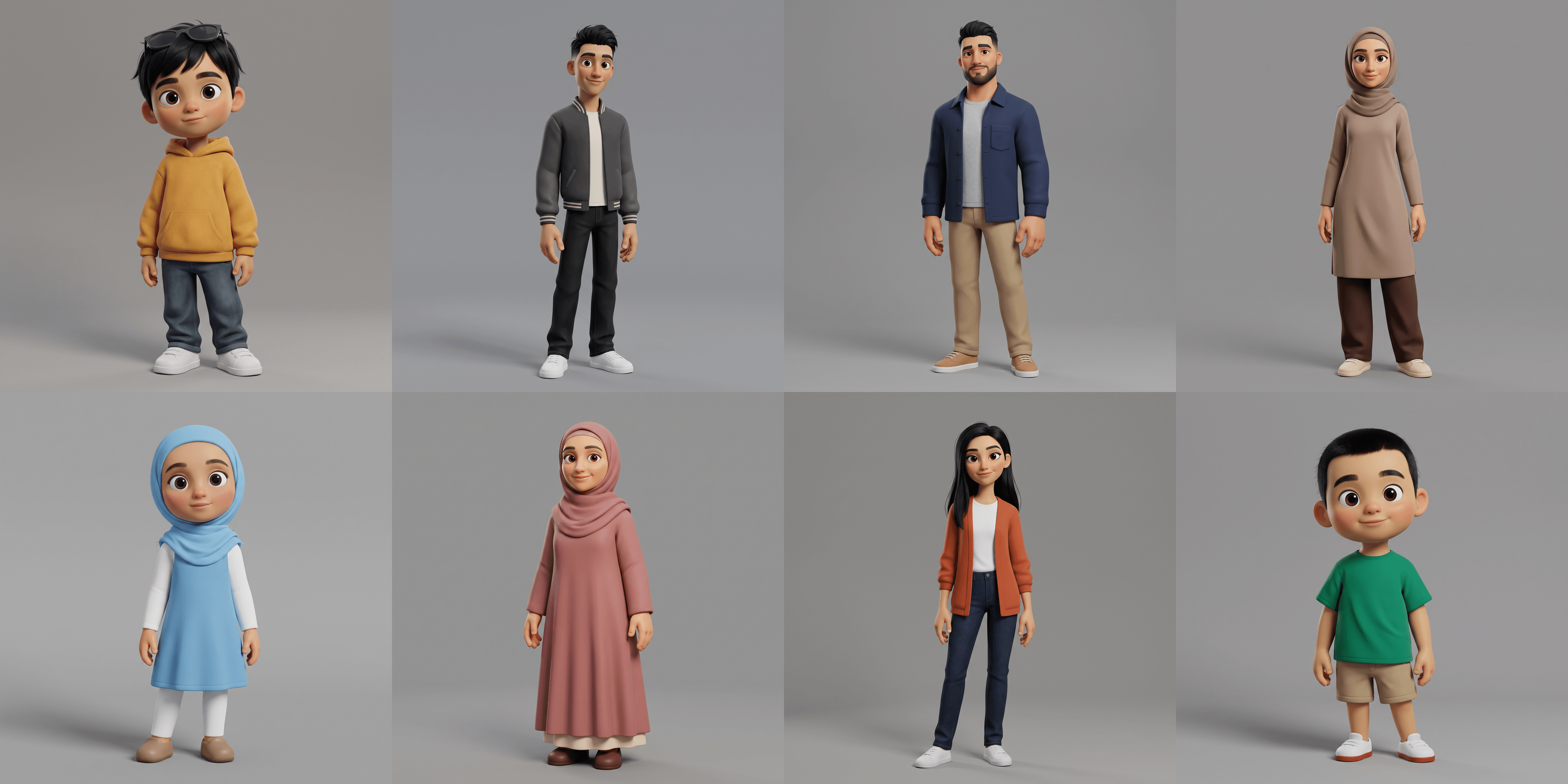
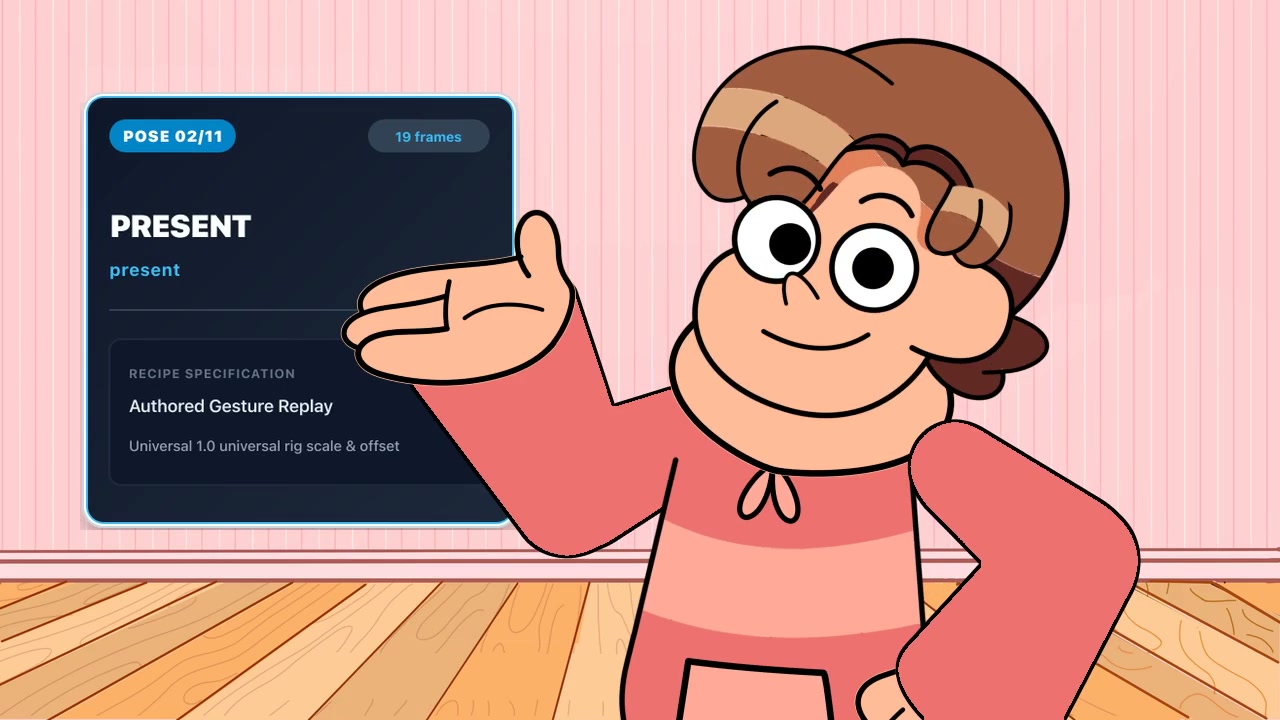
Run a whole campaign in one message.
Fire dozens of generations from a single prompt. Wiggly runs them in parallel and streams the gallery inline as each one finishes.
Everything your agent can call.
Twelve tools cover the whole loop - from reading your brand to generating, editing, and shipping image and video ads.
wiggly_generate_imageGenerate on-brand images with gpt-image-2 - aspect ratio, resolution, and up to 4 variants.
wiggly_generate_videoGenerate short video ads with Seedance 2.0 - image-to-video, fast or pro.
wiggly_view_brandkitRender the brand style-guide sheet - logo, palette, fonts, tone - right in chat.
wiggly_update_brandTune a brand's identity: colors, fonts, slogan, aesthetic, and tone.
wiggly_get_brandRead a brand's full profile by id.
wiggly_list_brandsList every brand on the connected account.
wiggly_get_generationFetch any generation by id - image, video or carousel - once ready.
wiggly_list_generationsBrowse past images, videos and carousels in a scrollable gallery.
wiggly_check_creditsCheck the account's current credit balance.
wiggly_buy_creditsList credit packs with ready-to-use checkout links.
Questions, answered.
Everything you need to know before you connect Wiggly to your tools.
What is the Wiggly MCP server?
It's a Model Context Protocol (MCP) server that lets AI tools call Wiggly directly. Connect it once and your agent can generate on-brand creative assets across images, social posts, videos, carousels, and campaigns, edit images, manage brands, and check credits - all from inside the chat.
Which AI tools and MCP clients does it work with?
Any MCP-compatible client - Claude, ChatGPT, Cursor, Claude Code, VS Code, Codex, and more. Pick your client in the setup section above for exact, copy-paste steps.
Do I need an API key?
No. Wiggly MCP uses OAuth - you authorize once in your browser and the client stays connected. There are no keys to copy, paste, or rotate.
What can I generate through MCP?
Wiggly gives your MCP agents access to a broad creative model stack for image ads, social posts, UGC videos, talking head videos, editorial videos, Instagram carousels, TikTok slideshows, and more. You can also edit images, generate from reference images, and run many generations in parallel for a whole campaign.
Does it stay on-brand?
Yes. Tie any generation to a brand and Wiggly applies your brand kit - colors, fonts, and tone - so every output is recognizably yours.
How much does it cost?
MCP is free to use. Your agent uses your existing Wiggly credits at no additional MCP cost. Check your balance with wiggly_check_credits and top up with wiggly_buy_credits, or from your dashboard.
Plug Wiggly into your stack.
Set up the MCP connection in under a minute and start generating on-brand ads from the tools you already use.